Available for opportunities
Thoughtful design,
grounded in research.
(01) Selected work
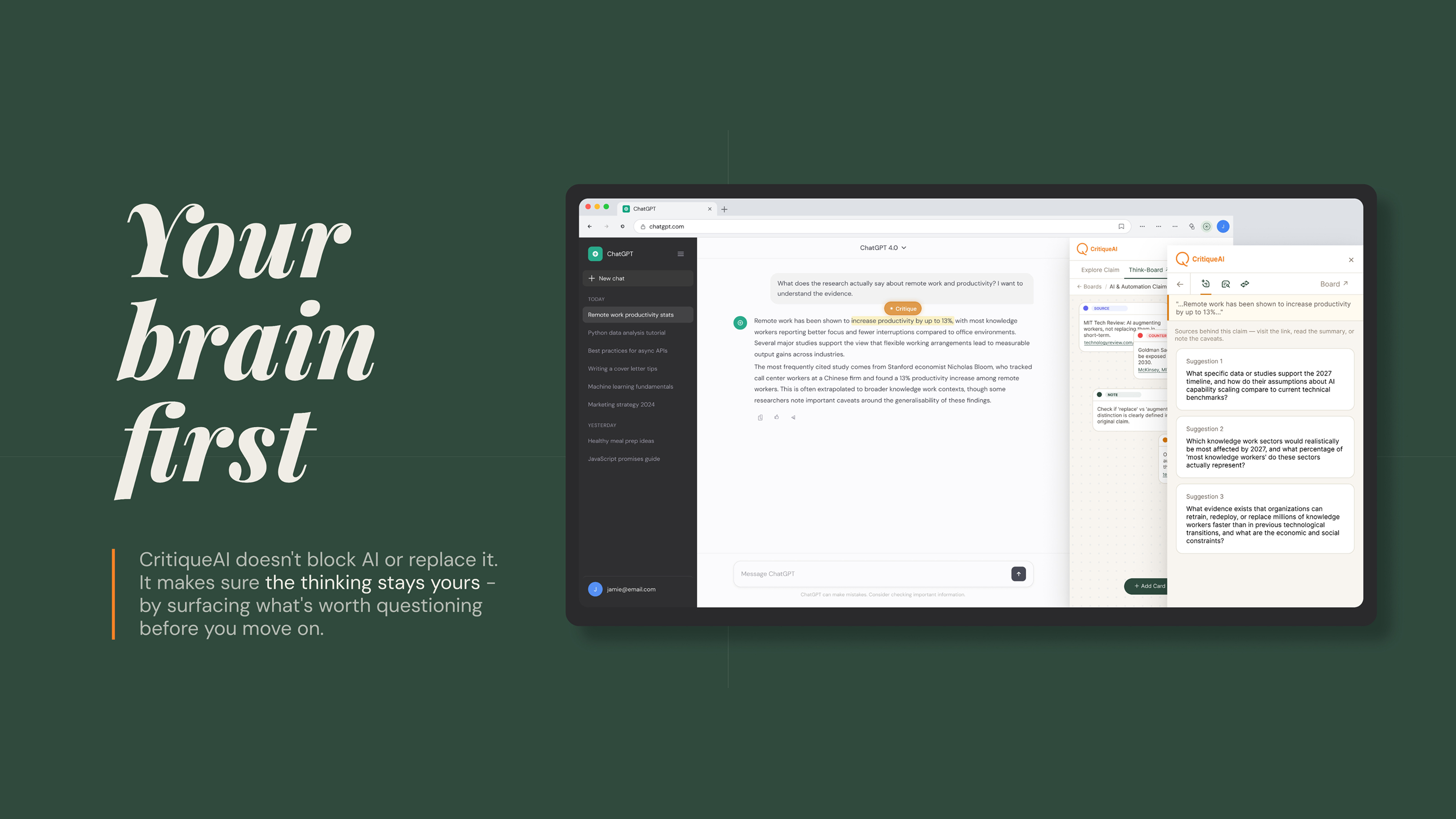
CritiqueAI
A browser extension that brings checking, comparison, and reflection into AI workflows while fitting naturally into the way people already work.
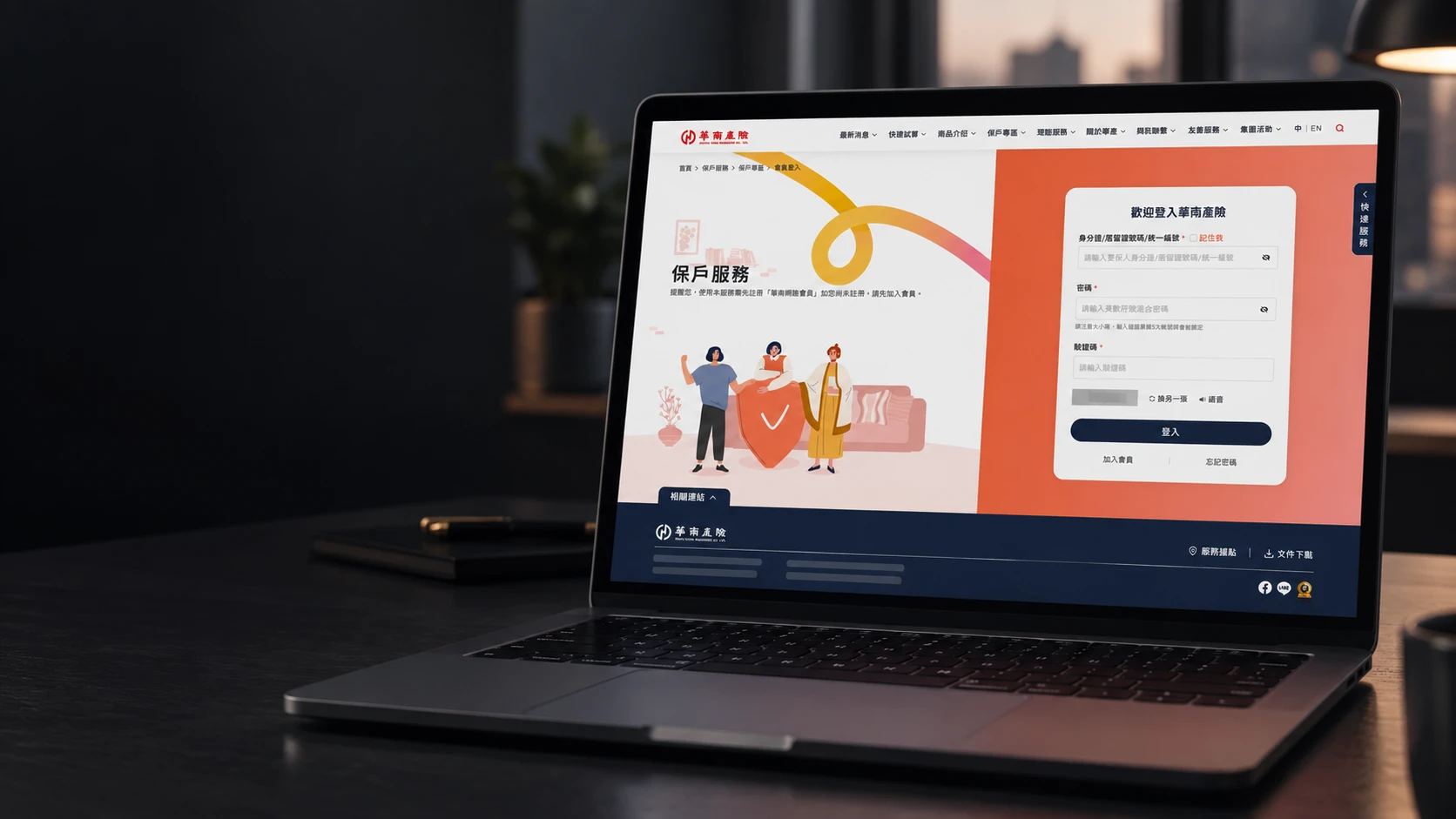
Southeast Insurance
Making a complex member portal feel clearer and more connected, from requirements and user flows to UI design and engineering handoff.
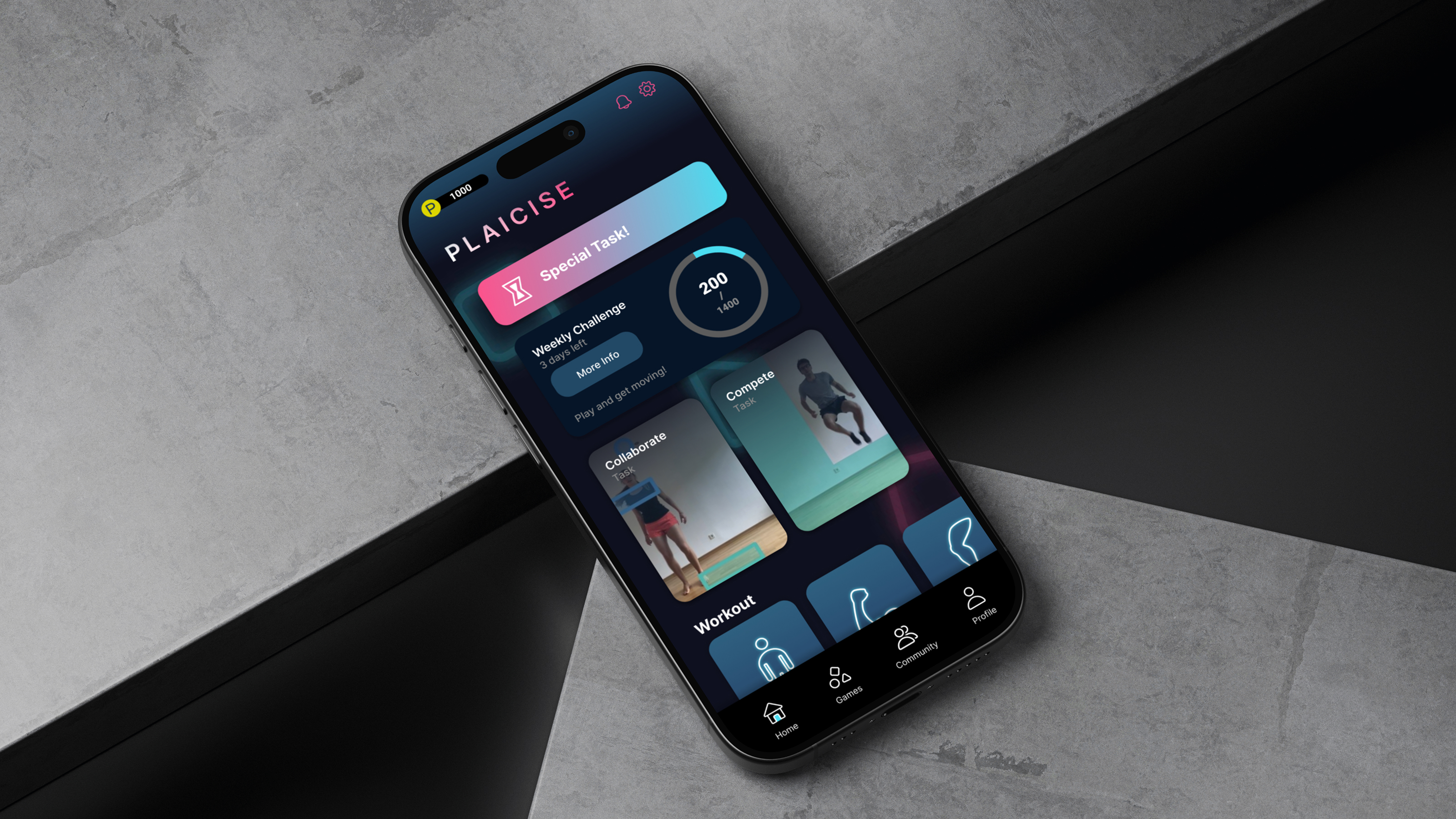
PLAICISE
A service and UX redesign for an AR fitness app, informed by exercise psychology and reshaped through a stakeholder interview with the founder.
(02) About
Arlene
Tsan
Hi, I'm Arlene Tsan, a UX designer and researcher.
I combine user research, systems thinking, and interface design to create digital experiences that are clear, useful, and grounded in people's real needs.
I have worked on digital projects in insurance and aviation, including work for Hua Nan Insurance, Cathay Pacific, and China Airlines. I am currently completing an MSc in User Experience Engineering at Goldsmiths, University of London.
I am open to UX design, product design, and research-led opportunities.